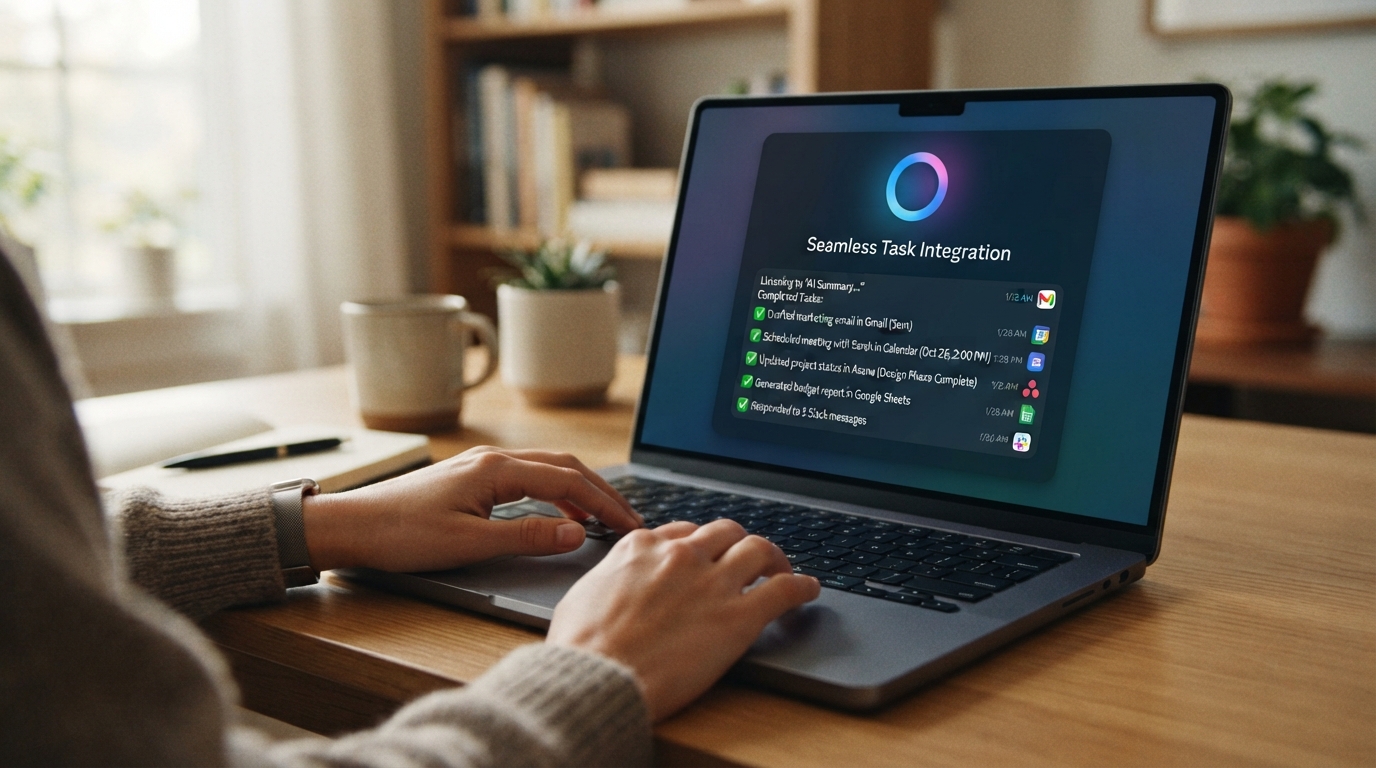
Meta AI has mostly lived inside WhatsApp, Instagram, Facebook and Messenger. Now Meta wants it to become something much closer to a —one that understands what you're doing on your computer instead of forcing you to constantly switch between apps.
The new Mac app is launching in beta and introduces a particularly interesting capability: screen sharing.
Users can share a specific window with Meta AI, allowing the assistant to understand what is currently on screen and answer questions based on that context. That could mean asking for help while working on a document, getting feedback on content, or discussing something you're looking at without having to upload screenshots manually.
Meta is also adding system-wide voice dictation. Instead of opening an AI chatbot every time you want to write something, you can speak and have Meta AI turn your words into text across different Mac applications.
And that's where the "talk to your apps" idea becomes interesting.
The traditional chatbot model requires you to bring information to the AI.
Meta's new approach is increasingly the opposite: let the AI understand the context of what you're already doing.
For creators and businesses, Meta is taking this further. Professional Facebook and Instagram accounts can be connected to Meta AI, along with Meta advertising data and Google Workspace.
That allows the assistant to analyze things like post performance, engagement and advertising results, then use that information to recommend what a business should do next. It can also work with documents, spreadsheets and presentations from Google Workspace.
Meta even envisions recurring workflows, such as generating weekly performance reports.
This puts Meta in a much more direct competition with ChatGPT, Claude and Gemini on the desktop.
The bigger shift, however, isn't simply that Meta has released another chatbot app.
It's that AI assistants are increasingly becoming interfaces to other software.
Instead of opening Instagram Analytics, checking your advertising dashboard, reviewing a spreadsheet and then asking an AI what the numbers mean, the long-term vision is to simply ask:
"How did my business perform this week, and what should I do next?"
The AI handles the information gathering and gives you the answer.
There is an obvious trade-off.
For an AI assistant to be genuinely useful across your computer and business accounts, it needs access to more of your information.
Meta's business integrations can pull data from connected services, while the Mac app can see shared screen content. Reports also note that data shared through the platform can have implications for AI training and advertising, making permissions and privacy settings particularly important for businesses handling sensitive information.
That tension will become increasingly important as AI moves from answering questions to understanding and operating around everything users do.
Meta isn't just putting its chatbot on another screen.
It's trying to make Meta AI the layer between people and the software they already use.
If that strategy works, the future of desktop computing may involve less clicking through menus and more simply telling your AI what you want done.
And Meta clearly wants to be one of the companies building that future.